Popfold: Seven layers, top to bottom.

Architecture ยท alpha

Seven layers, top to bottom.

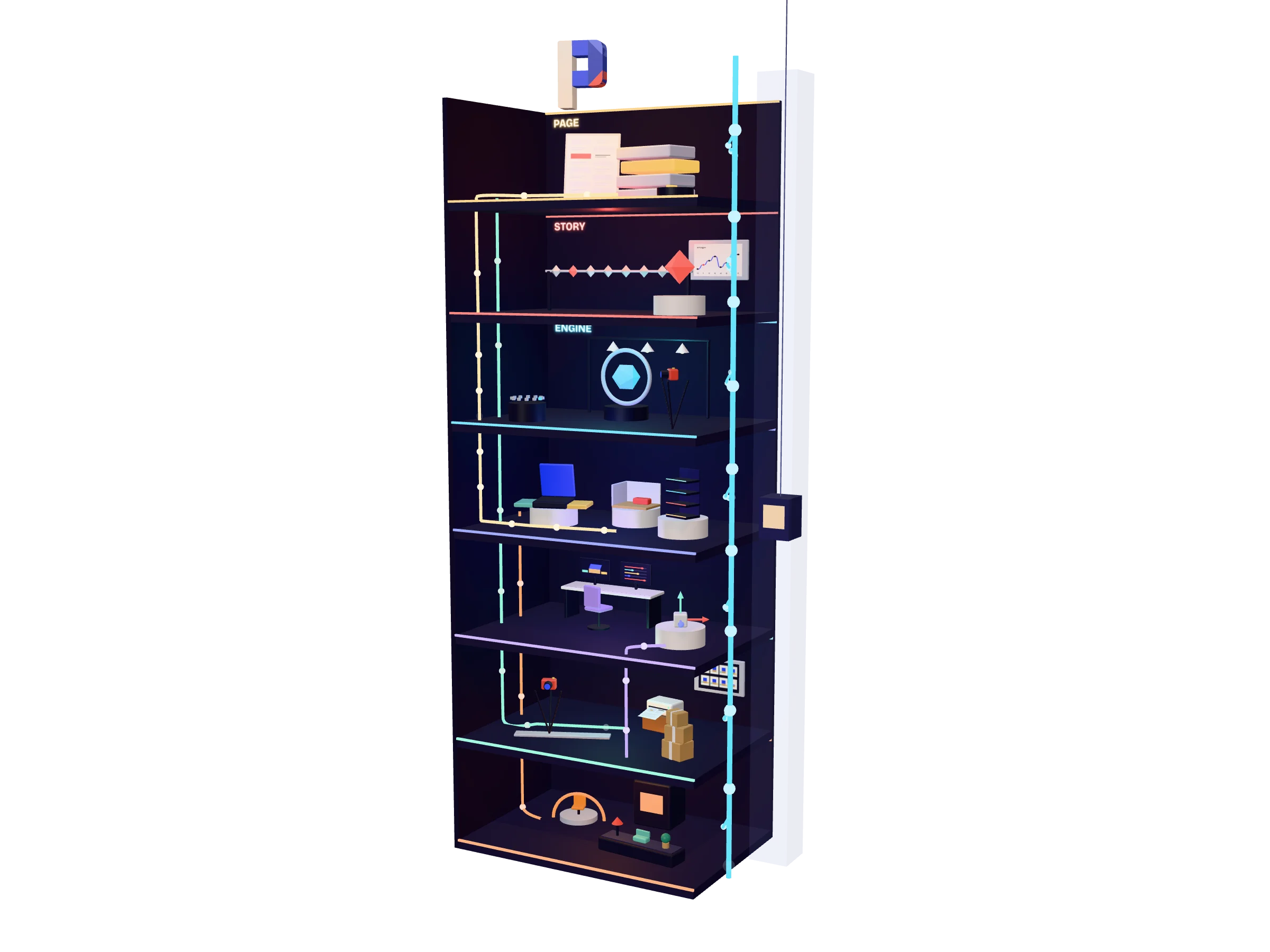
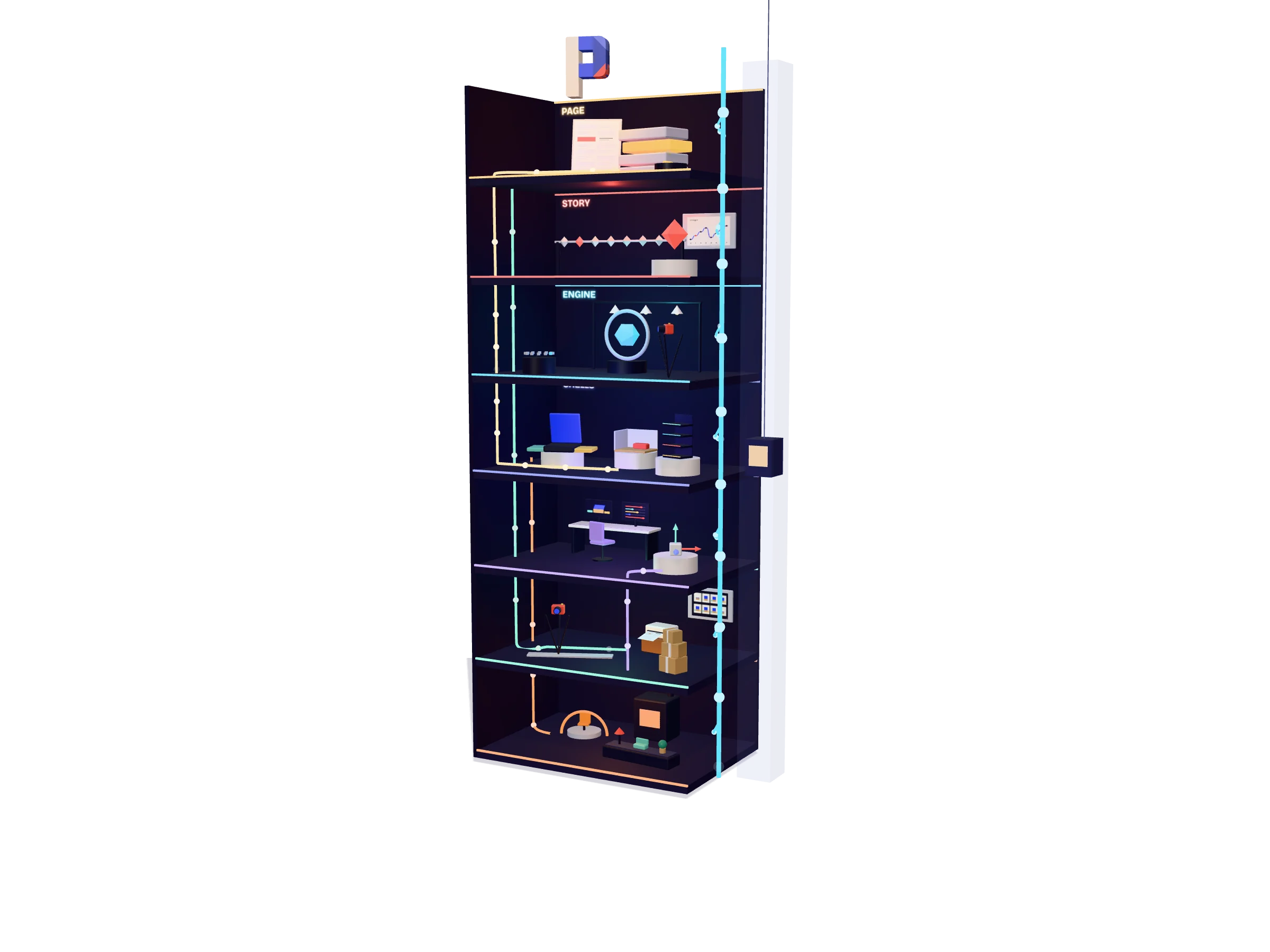
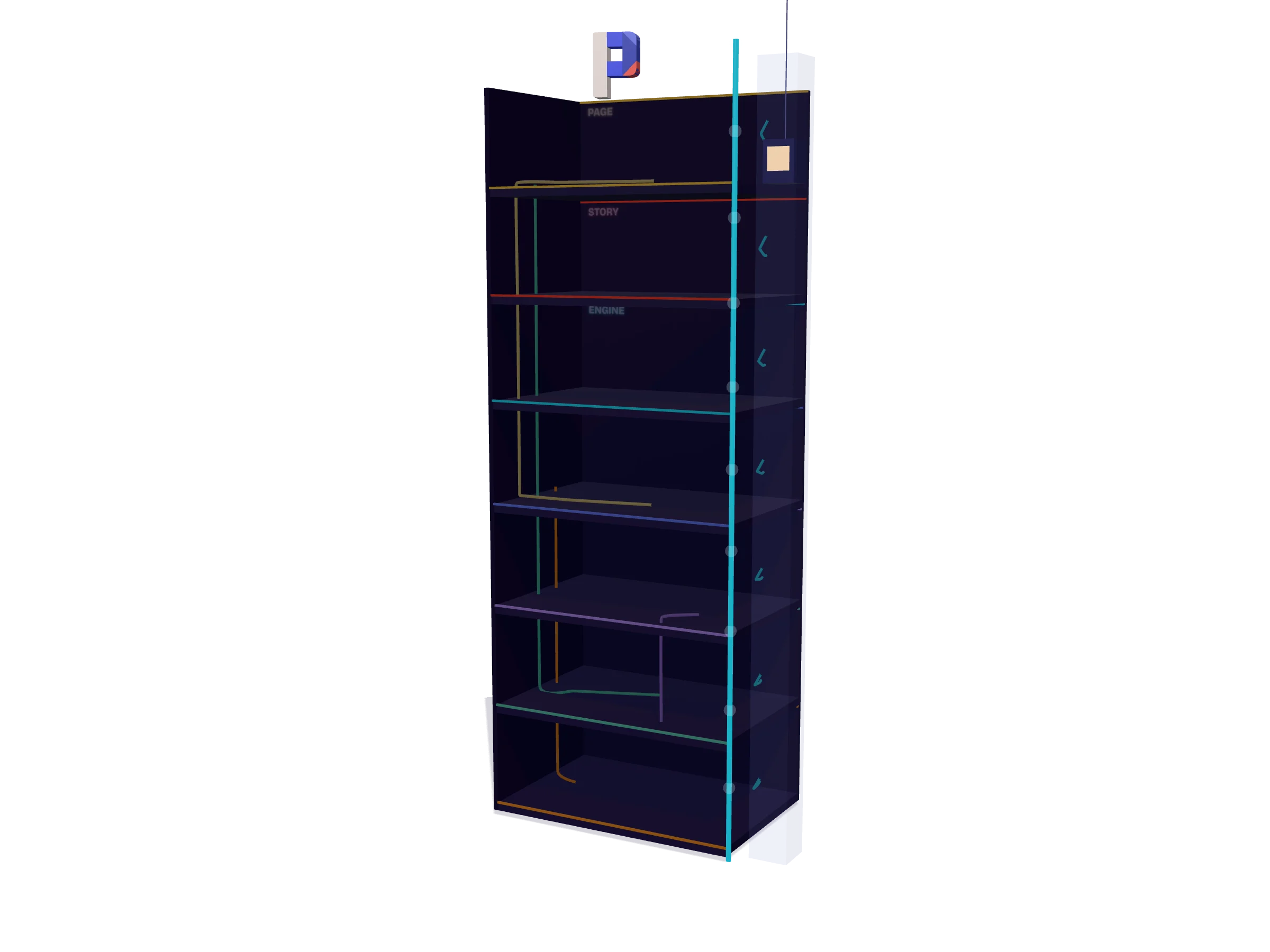
Popfold is a few thousand lines of TypeScript that a Vite site imports. This tower is its map: one floor per layer, from the page a visitor reads down to the tools that make the models.

The pipe beside the lift is the one number the page sends: which section we are at. Every floor reads it. The other pipes show what feeds what.

Popfold: The page

Layer 1 of 7

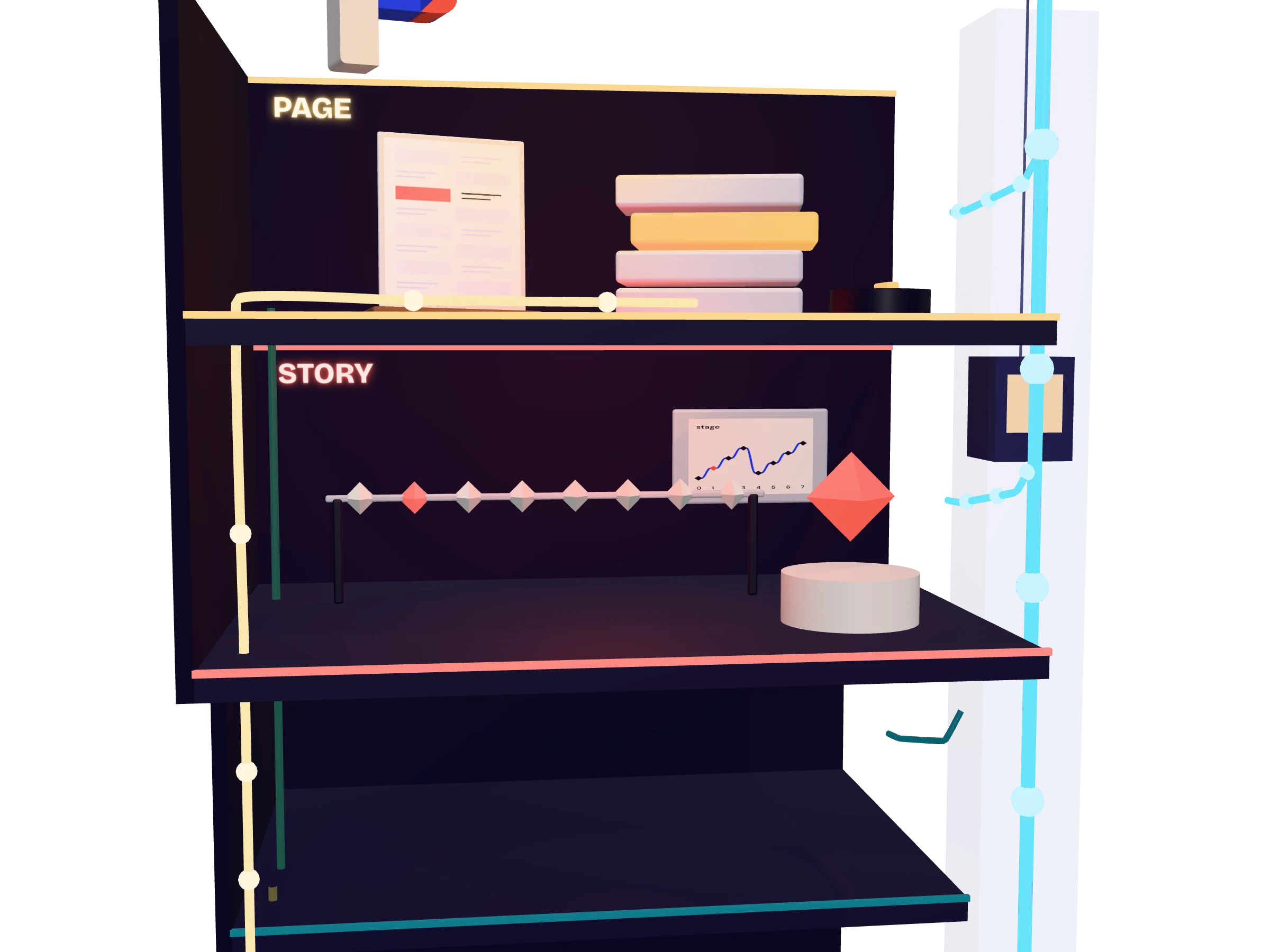
The page

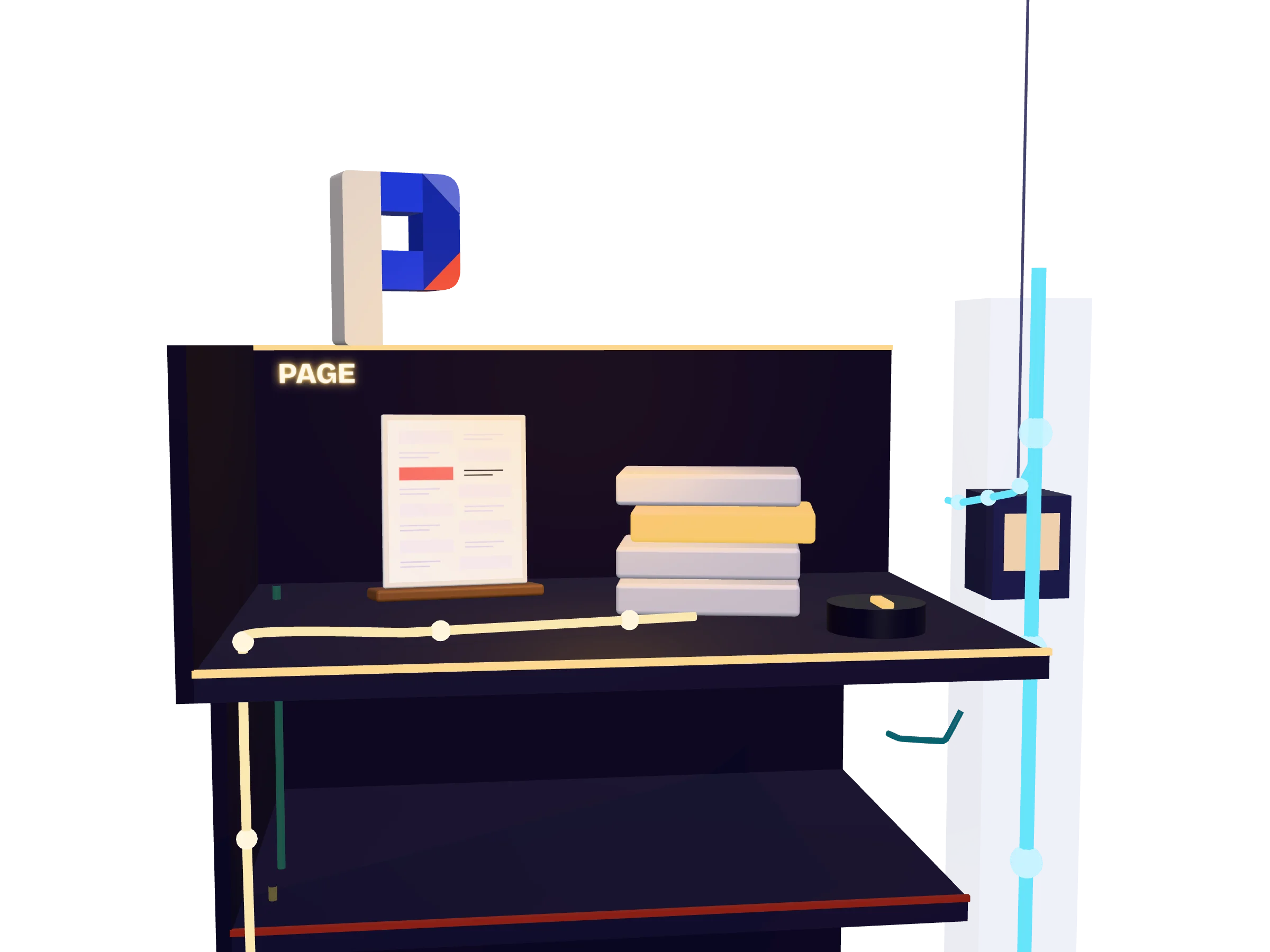
A Popfold site is an ordinary HTML page. Every beat of the story is a section, and the copy is all there before any script runs. The page does one job for the 3D: it reports which section is in the middle of the screen.

index.htmlsrc/main.ts

Click the dots on each floor for the details.

On this floor

All the copy, in one HTML file

Each section with the class "stage" is one stop of the story. The canvas is fixed behind the page. The engine never reads the page, so the words stay ordinary HTML that anything can read. In the guide

  • index.html
  • Sections

One number leaves the page

The site works out which section is in the middle of the screen and reports it as a number: 0 is the first section, 2.5 is halfway between the third and the fourth. That number is all the engine gets. In the guide

  • getStage()
  • Scroll
Popfold: The story

Layer 2 of 7

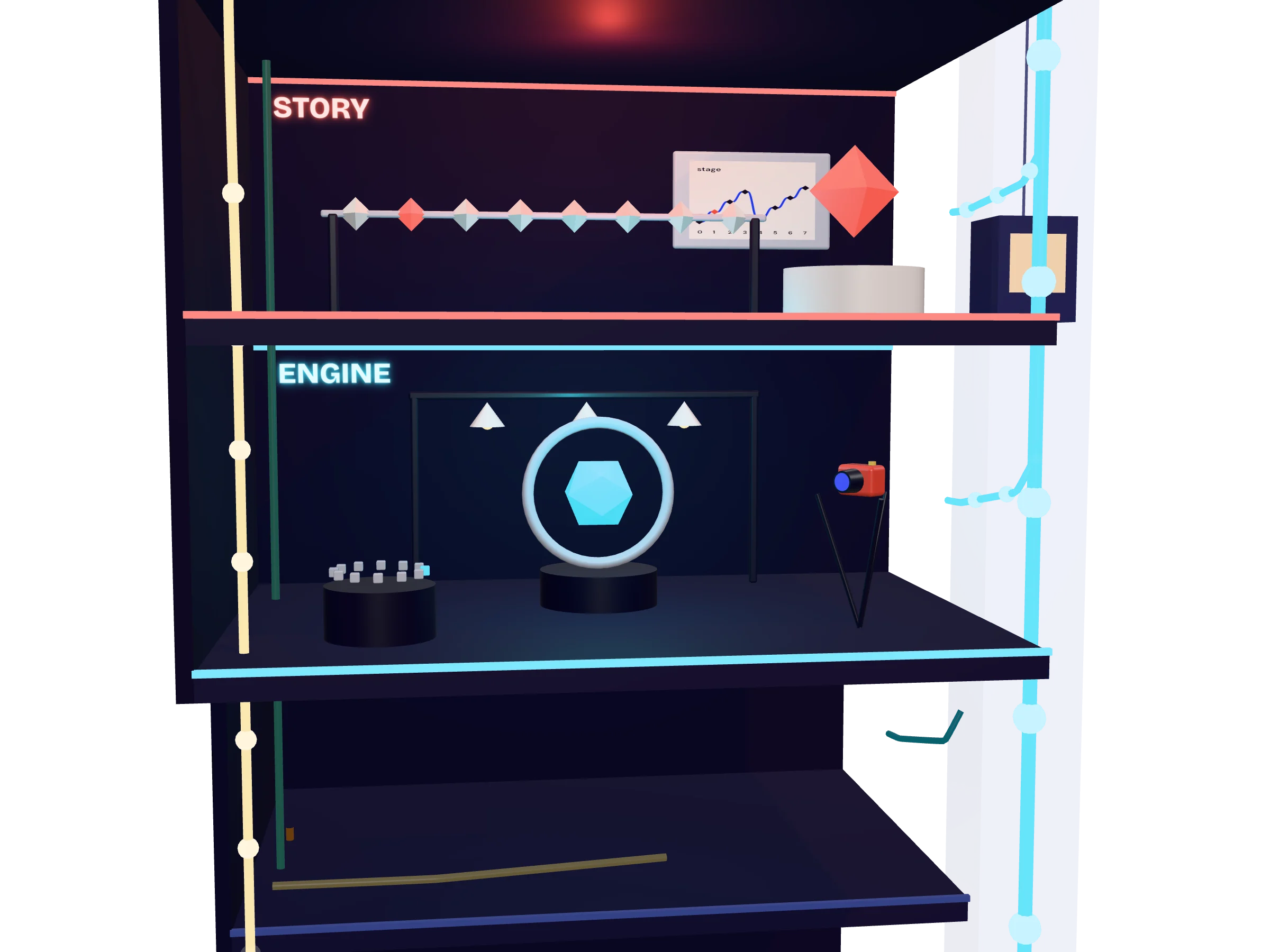
The story

One beat per section names the section and holds a keyframe: what the home and the camera look like at that stop. The scroll position picks two neighbours and blends them, resting on each stop while its section is centred.

src/beats.tsbeat()sample()

On this floor

One beat per section

A keyframe says how far each room or floor is open, how bright the lamp is, which side of the screen the home sits on, and where the camera stands and looks. A beat pairs a keyframe with the id of its section and a short name. Beats can be written in code, as here, or kept in the home file. In the guide

  • beat()
  • Camera

Blended, with a rest on every stop

Between two sections the story holds still for the first and last fifth and eases through the middle. The engine then eases the scene towards that target, so a fast scroll never snaps. In the guide

  • sample()
  • Easing
Popfold: The engine

Layer 3 of 7

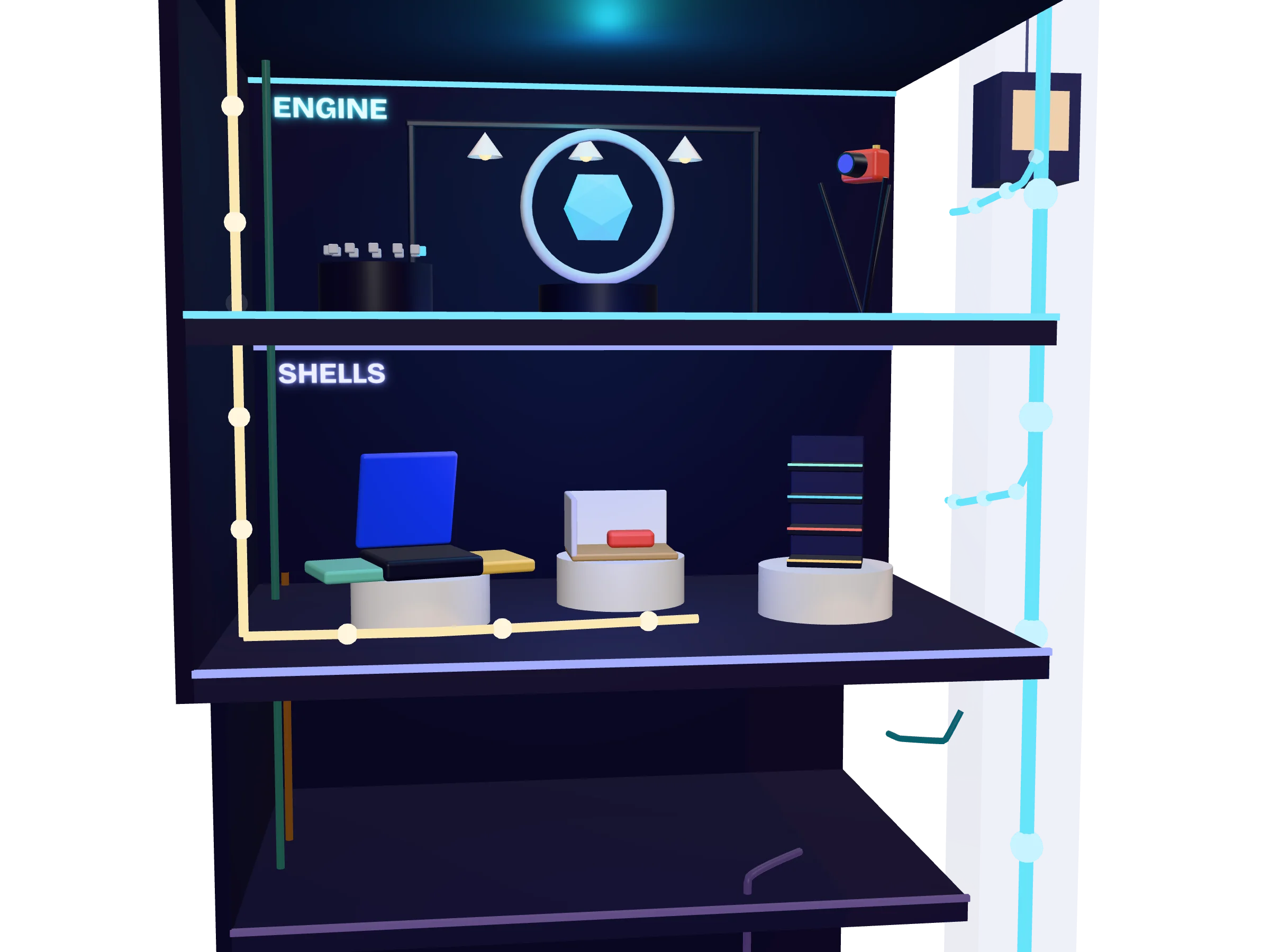
The engine

One call, startScene(), sets up three.js: the renderer, the lights, the frame loop, the camera and the clicks. It builds a home the first time it is asked for and keeps it, so a page can switch between homes.

startScene()setHome()three.js

On this floor

startScene()

One call sets up the renderer, the lights and the frame loop, builds the home and plays the story. It draws less often at rest, but never stops while the home floats. Drawing nothing when nothing moves is on the roadmap. Add ?debug to the address to see what build this is and how many frames it has drawn. The API

  • three.js
  • Frame loop

Camera and clicks

The camera follows the keyframes, pulls back on narrow screens and slides the home beside the text on wide ones. A click is traced into the scene: on a room, a floor or a piece that has a story. The API

  • Camera
  • Picking
Popfold: The shells

Layer 4 of 7

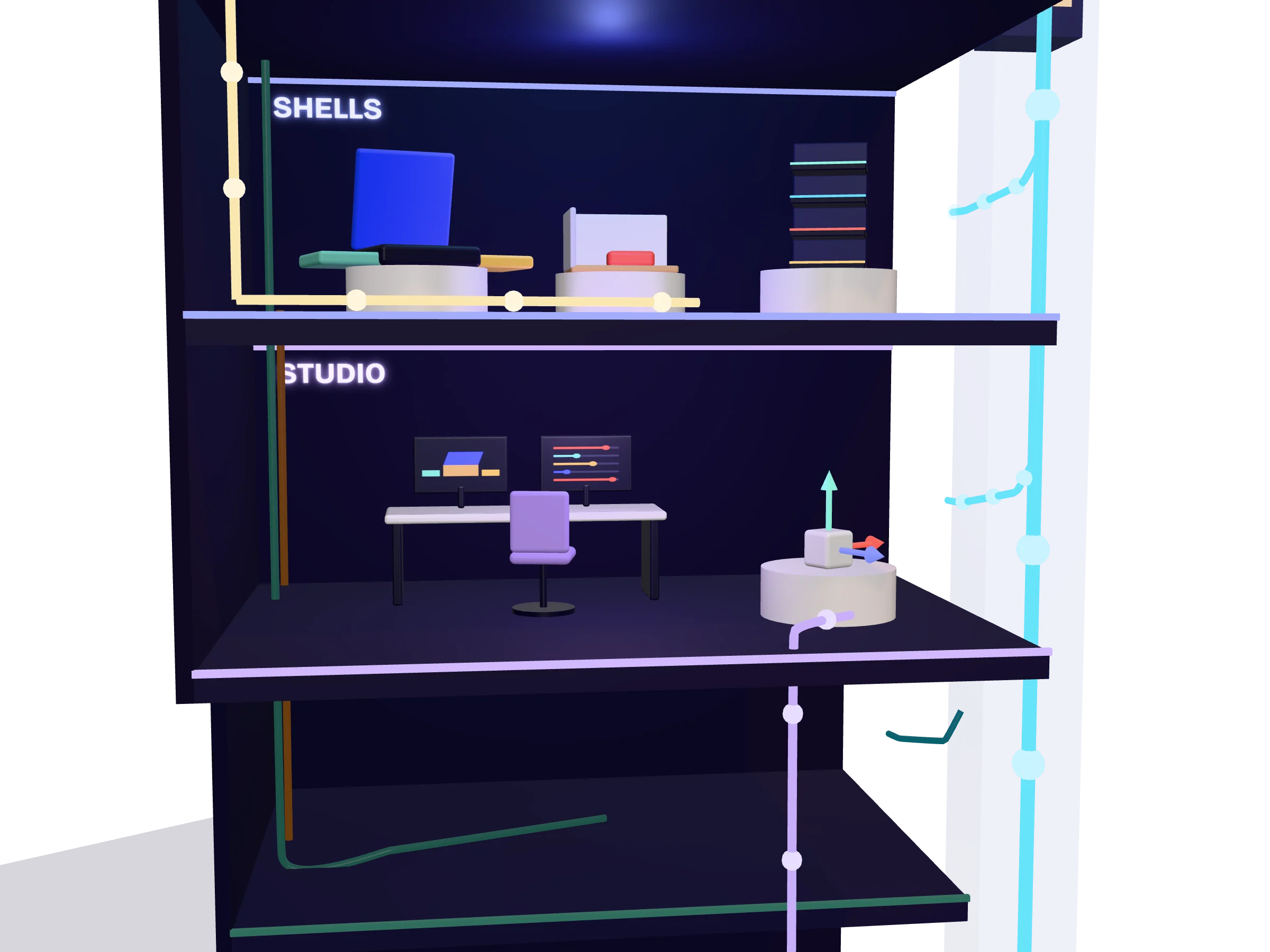
The shells

A shell is the kind of container a home is. There are three: the compact, a box with three rooms; the diorama, one modelled room; and the tower, a stack of floors. Pieces stand in them, each with a key that layouts and stories use.

CompactDioramaTower

On this floor

The compact

A clamshell box with three rooms. The lid lifts to become a back wall and two drawers slide out, or the side rooms turn open like the pages of a pop-up book. It needs no modelling. In the guide

  • Three rooms
  • Book fold

The diorama

One room modelled in Blender and exported as a single file. It starts flat like an unfolded box, its walls swing up, and three zones fill in on their own beats. In the guide

  • Blender
  • One .glb

The tower

Stacked floors for a long story or a diagram, which is what you are looking at. Each floor slides out, lights up and fills with pieces; an elevator follows, and pipes show what feeds what. In the guide

  • Floors
  • Flow pipes
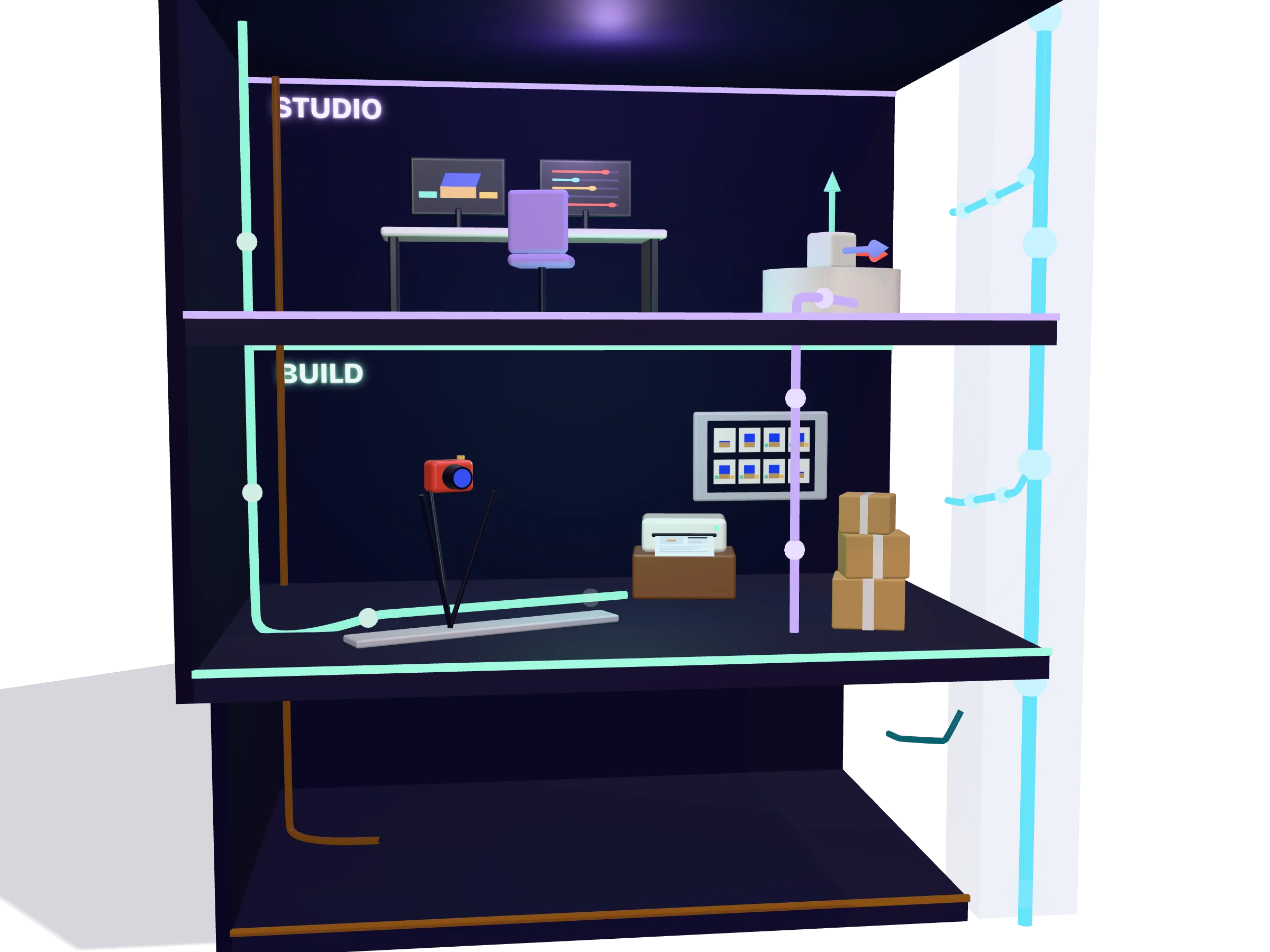
Popfold: The studio

Layer 5 of 7

The studio

A workbench page on every site, running the same engine from a panel. It is where you frame each stop, move pieces by eye and save where they stand, and where the stills are taken.

studio.htmlmountStudio()

On this floor

The same engine, with a panel

Every site has a studio page. It drives the scene by hand instead of by scrolling: pick a home, scrub the story, open the folds, orbit the camera, switch the light. The address bar holds the view, so a link reopens it. In the guide

  • mountStudio()
  • studio.html

Move a piece, save where it stands

Pick a piece, then move, turn, resize or hide it. A piece listed in the home file is saved back into that file, and with a home file the studio also adds and removes pieces, writes their stories and sets what each beat does. A piece placed in code, as on this page, is saved to a small layout file by its key. Saving works on the local dev server only. In the guide
  • Layouts
  • Piece keys
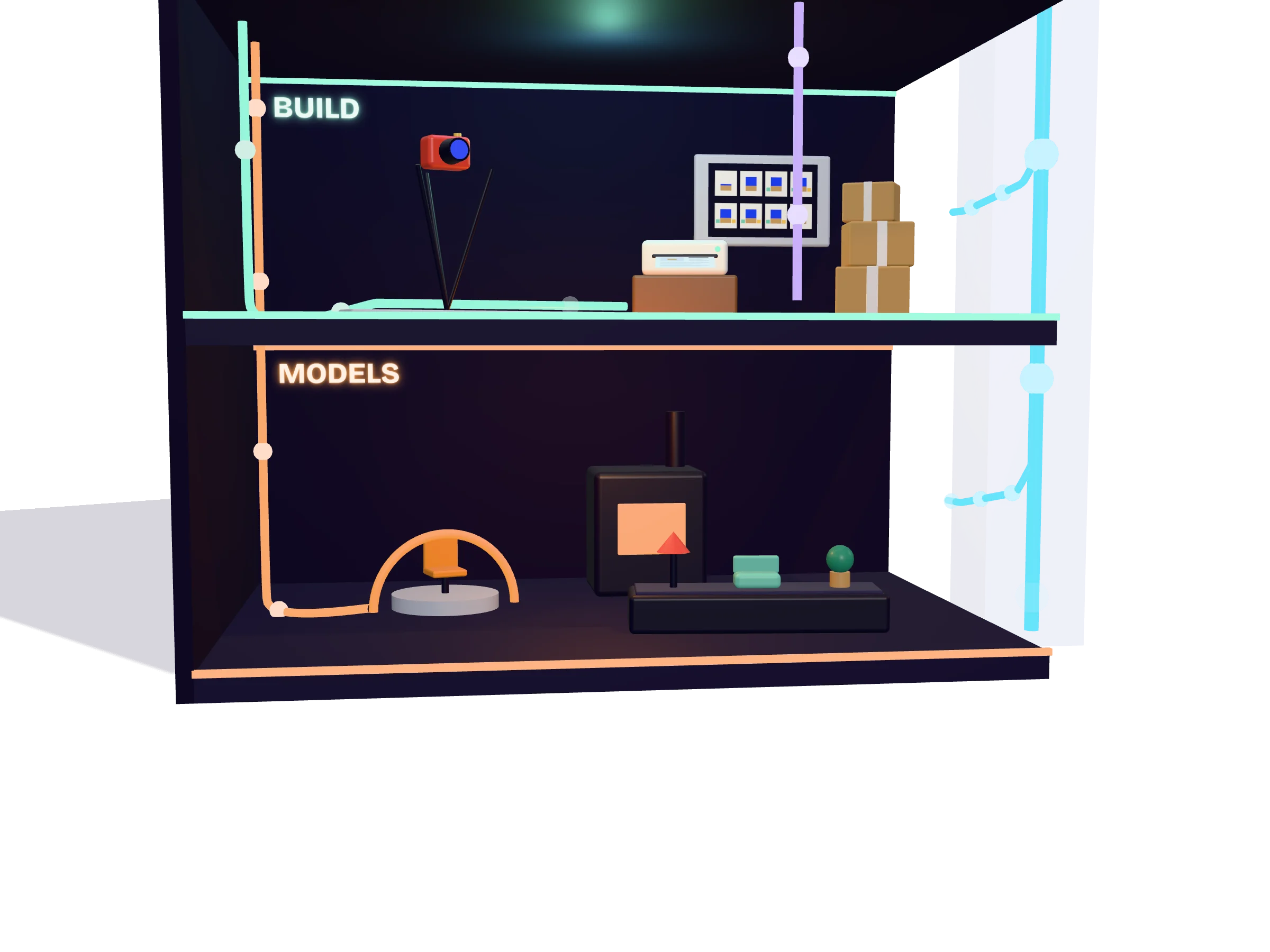
Popfold: The build

Layer 6 of 7

The build

One command captures a still of every stop and runs the Vite build. A plugin writes the stories and stills into the HTML, so what ships is a complete page without 3D, with 3D as an upgrade. The output is a static folder.

popfold buildpopfold stillsllms.txt

On this floor

A still of every stop

The build opens the studio in a headless browser and captures one picture per stop. The same scene gives the same picture every time, so comparing stills works as a visual test. The API

  • popfold stills
  • --check

The page without 3D

A Vite plugin writes every story under its section, puts a still beside each one and adds structured data, llms.txt, robots.txt and a sitemap. In the browser, 3D starts only if WebGL works and the visitor has not asked for less. The API

  • popfoldFallback()
  • llms.txt
Popfold: The model tools

Layer 7 of 7

The model tools

Pieces can be built in code, as everything on this page is. For the rest there are Blender scripts that convert and tidy models, and a pipeline that makes them from a prompt with local AI models. They are working scripts, not a product yet.

tools/blendertools/forge.glb

On this floor

From a prompt to a model

A set of scripts runs local AI models and Blender: a prompt becomes a picture, the picture a cut-out, the cut-out a dense mesh, and Blender turns that into a small textured model with a review sheet. They are working scripts, not a polished tool. Making models

  • ComfyUI
  • Blender

One convention for every piece

Every model file follows the same rule: its front faces +Z, its origin is the centre of its base and its longest side is 1. Blender scripts bring downloads, free furniture libraries and whole rooms into that shape. Making models

  • .glb
  • gen()
Popfold: What feeds what

Overview

What feeds what

  • The stage number, read by every layer
  • One frame: page, story, engine, shells
  • Models become pieces in the shells
  • Layouts and stills go from the studio to the build
  • The build writes the page without 3D back into the page
Popfold: Read the long version.

Next

Read the long version.

The guide explains each layer with the real file names. What is still rough is written down too: there is no package to install, the three shells are wired into the engine, and the visual test does not run by itself yet.