Popfold: A web page that unfolds.

Popfold ยท alpha

A web page that unfolds.

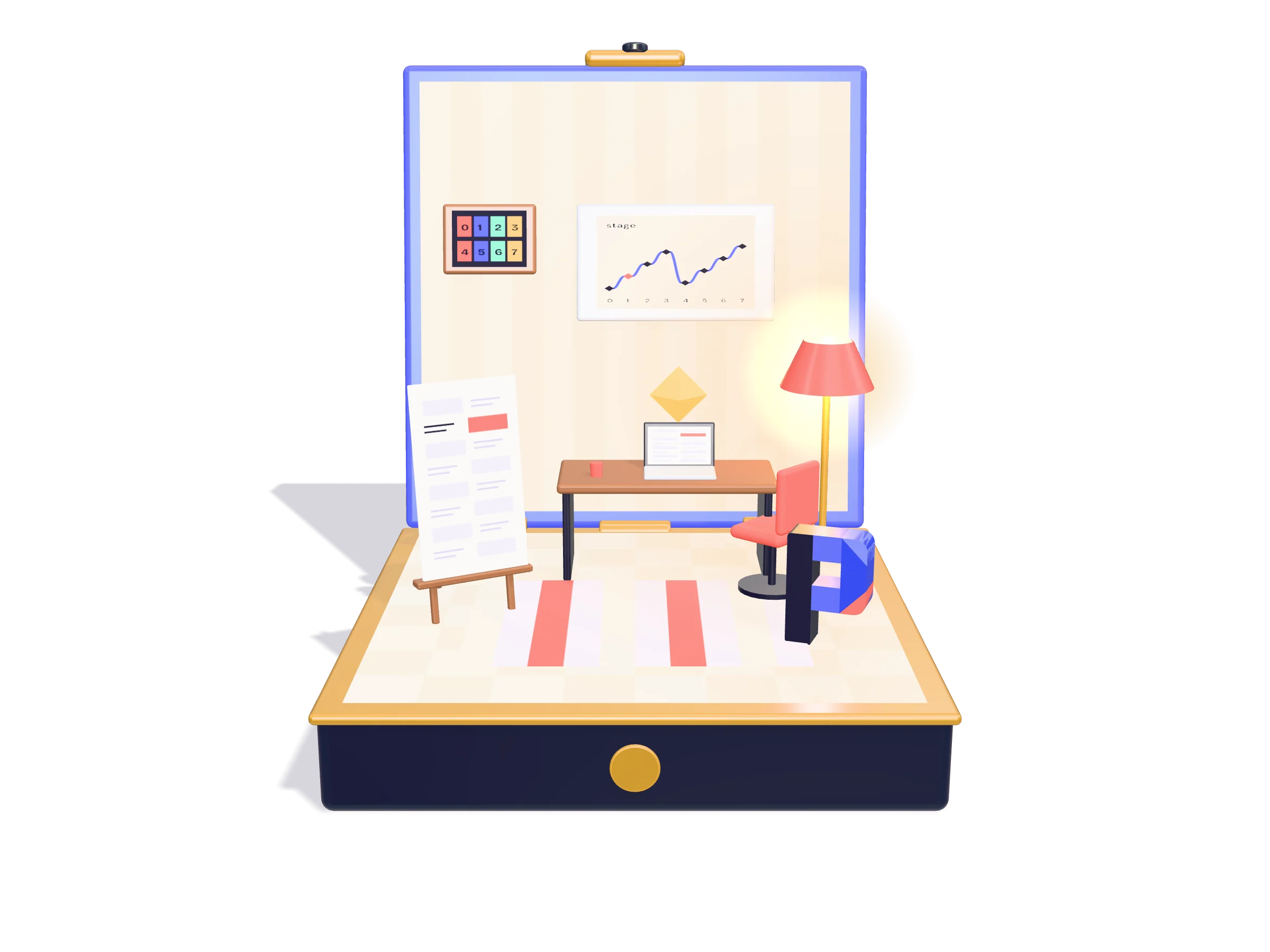
Popfold turns a long page into a small 3D world that opens as you scroll. Each section is one beat of a story: a box opens, rooms slide out, pieces spring in, the camera moves on.

Built on three.js. This page is made with it. Everything is alpha and can still change.
Popfold: One section, one beat.

The story

One section, one beat.

Your page stays an ordinary HTML page. Each section is a stop in the story, and a keyframe says how far the box is open and where the camera stands at that stop.

The page tells the engine one thing, many times a second: which section are we at? The engine blends the keyframes on either side and draws the result.

Click the dots in the rooms for the story behind each piece.
In this room

The page stays a page

All the copy lives in one ordinary HTML file. The engine never reads it. The page only reports, many times a second, which section is in the middle of the screen. In the guide

  • index.html
  • getStage()

One section, one stop

Each section of the page is a stop in the story. The story is one list of beats, and each beat carries the id of its section. A check command names a beat or a section that has lost its partner. In the guide

  • Sections
  • beat()

Keyframes, blended

A keyframe says how far each room is open and where the camera stands. Between two sections the scene holds still for the first and last fifth and eases through the middle, so every section rests while it is centred. In the guide

  • beat()
  • sample()
Popfold: Things spring in. Any of them can talk.

Pieces

Things spring in. Any of them can talk.

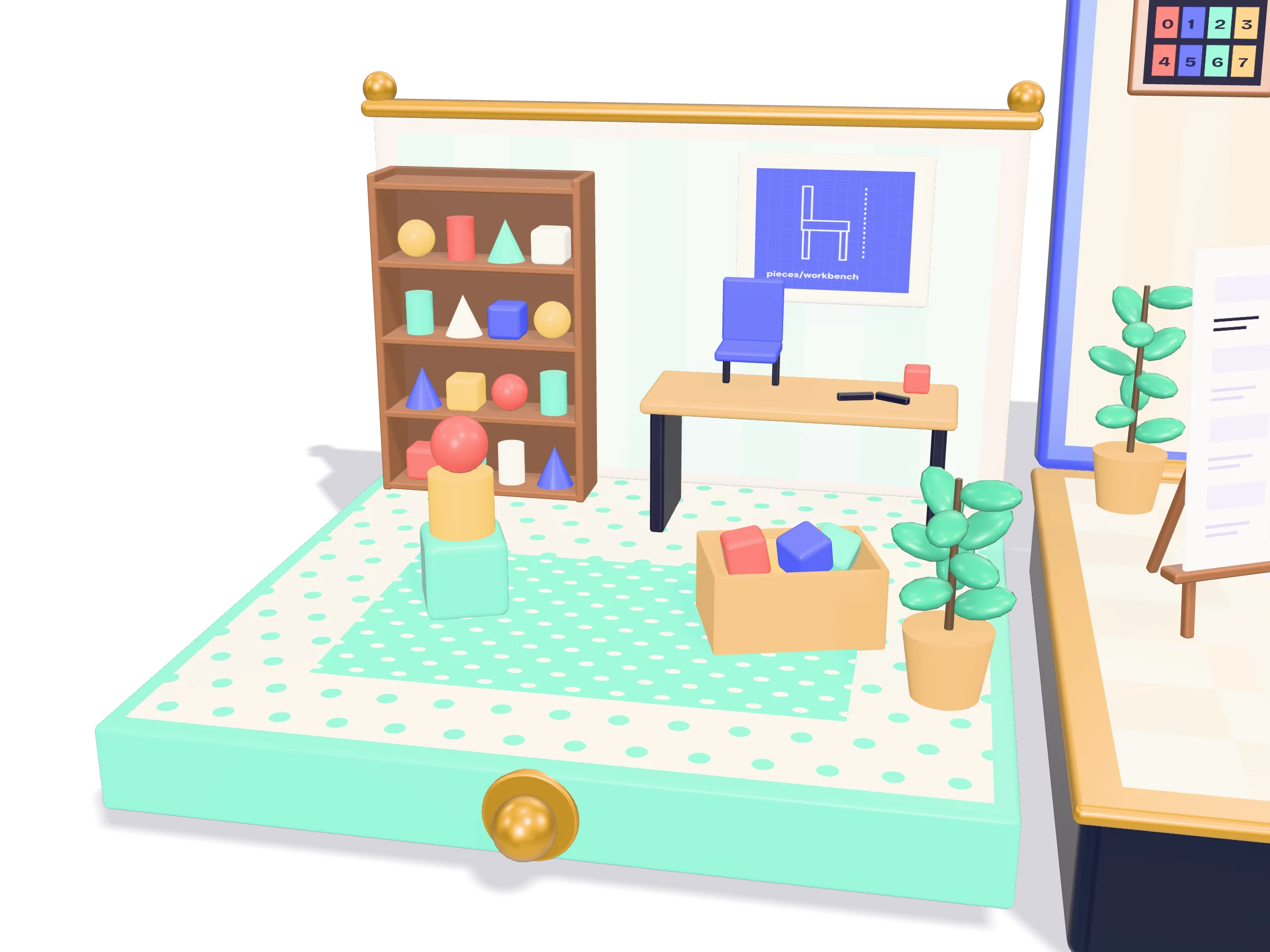
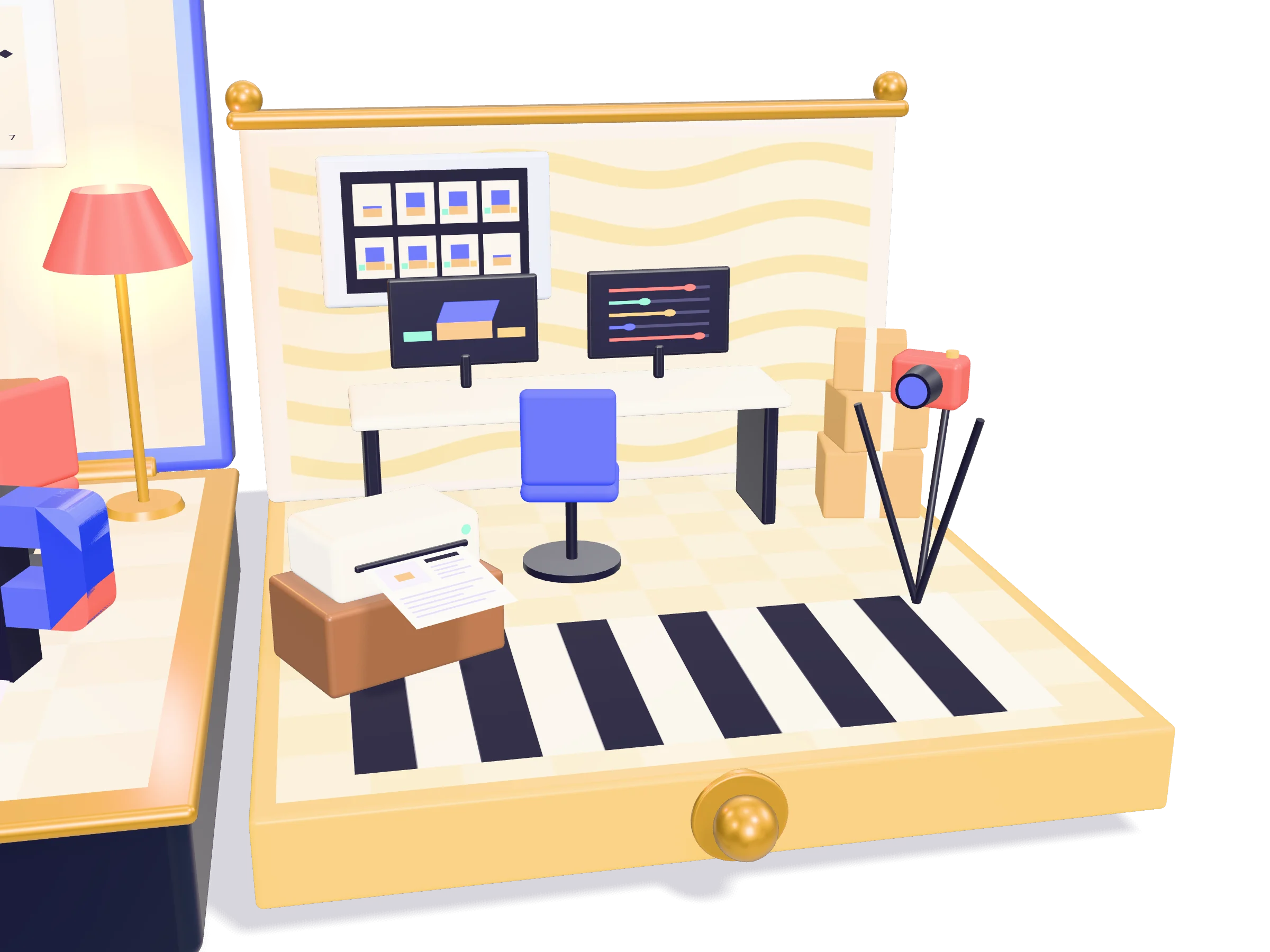
A piece comes from a small built-in set, from your own code, or from a model file. Give a piece a story and it gets a dot; a click opens a card. Everything in this box is built in code.

Built-in piecesYour own code.glb models
In this room

Three ways to get a piece

Use one of the built-in pieces, build your own from boxes and cylinders, or load a .glb model. A model that fails to load falls back to a code-built piece, so the page still works. Making models

  • Built-in
  • Code-built
  • .glb

Everything here is code

This box uses no model files. Every piece is a few lines of three.js: rounded boxes, cylinders and textures drawn on a canvas. Making models

  • three.js
  • Canvas textures

Every piece has a key

A piece is named by its room and its builder, such as "pieces/workbench". Layouts and stories use that key. A piece can be given an id of its own, so its key stays the same whatever is added around it. Pieces without one are numbered in the order the code adds them, and a check command warns when a story hangs on such a number. Making models

  • Keys
  • Layouts
Popfold: A workbench on every site.

Studio

A workbench on every site.

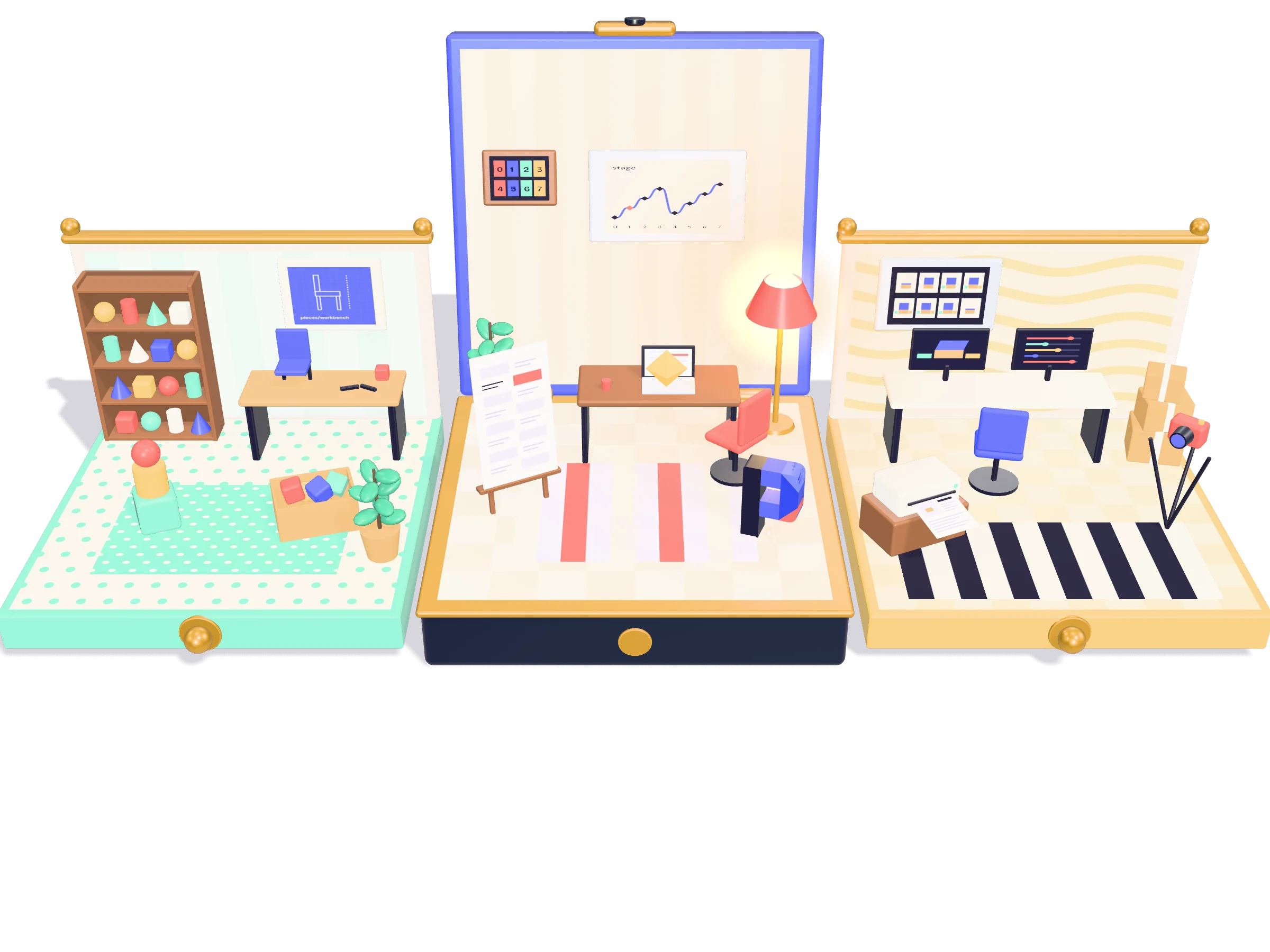
Each Popfold site has a studio page that runs the same engine. Scrub the story, fold the box by hand, move a piece and save where it stands, set a beat's camera and what it opens, switch to evening light, capture a still of every stop.

Saving works only on your own machine. Here you can look and play.
In this room

The same engine, driven by hand

The studio page runs the scene from a panel instead of the scroll position: scrub the story, open the folds, orbit the camera, move a piece and save where it stands. In the guide

  • mountStudio()
  • Layouts

A still of every stop

The build opens the studio in a headless browser and captures one picture per stop. Captures are repeatable, so a still that did not change is left untouched and a changed one shows up in git. In the guide

  • popfold stills
  • Visual test

The page without 3D

The build writes every story under its section, puts a still beside each one, and adds llms.txt, robots.txt and structured data. The 3D scene starts only if the browser can run it. In the guide

  • popfoldFallback()
  • llms.txt
Popfold: The same page, no 3D needed.

Without 3D

The same page, no 3D needed.

The HTML that ships is already complete: the copy, a still of every stop, and every story written out. The 3D scene starts only if the browser can run it. Old browsers, search engines and AI agents read the same story.
Popfold: Three ways to fold.

Shells

Three ways to fold.

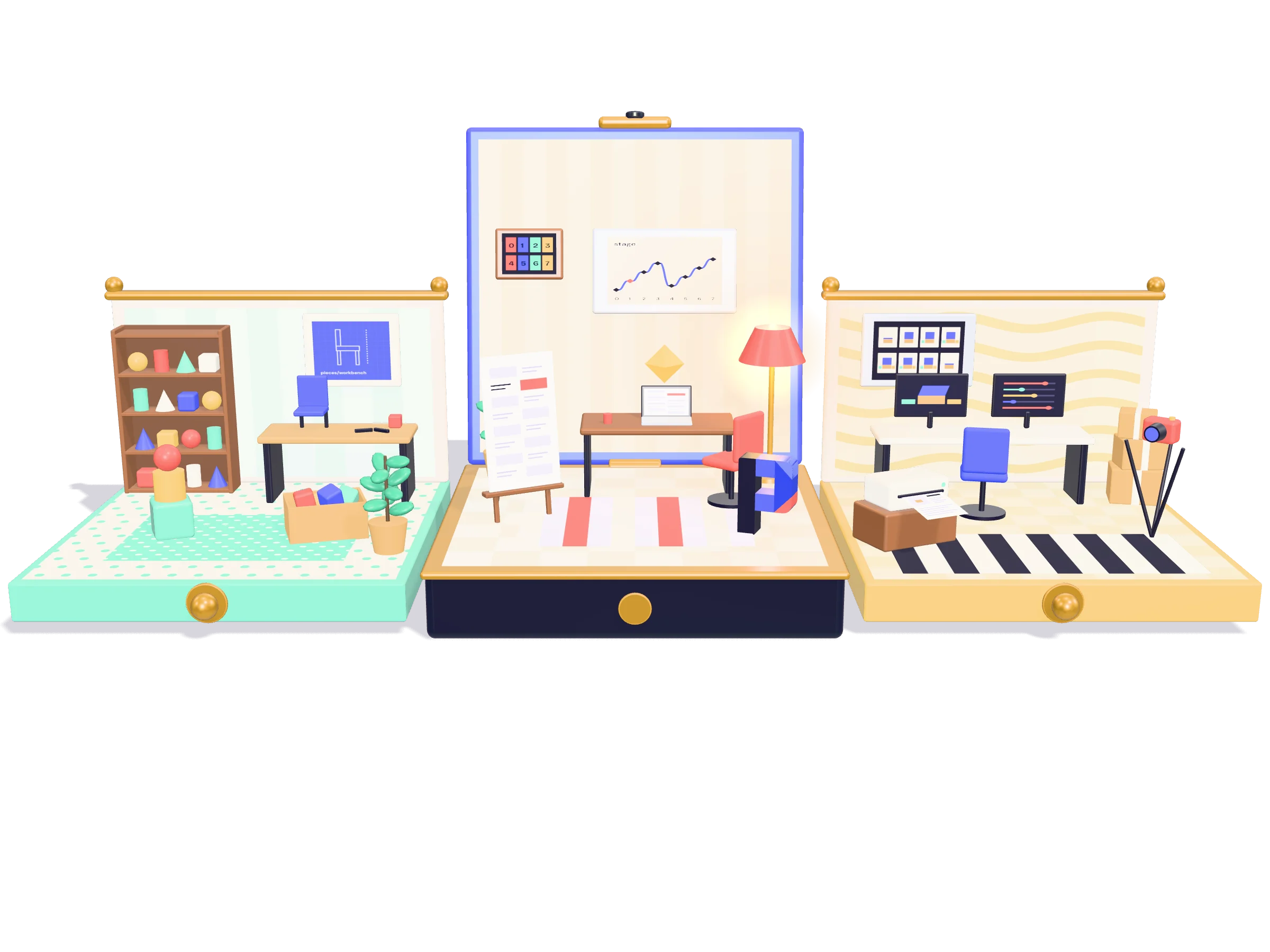
The compact is this box: a lid and two drawers, or pages that turn like a pop-up book. The diorama is one modelled room whose walls swing up. The tower is a stack of floors with an elevator and glowing pipes, for long stories and diagrams.

The buttons fold this box again, or swap it for a small tower. The diorama needs a modelled room, so it is not shown here yet.
Popfold: Seven layers, all in the open.

How it is built

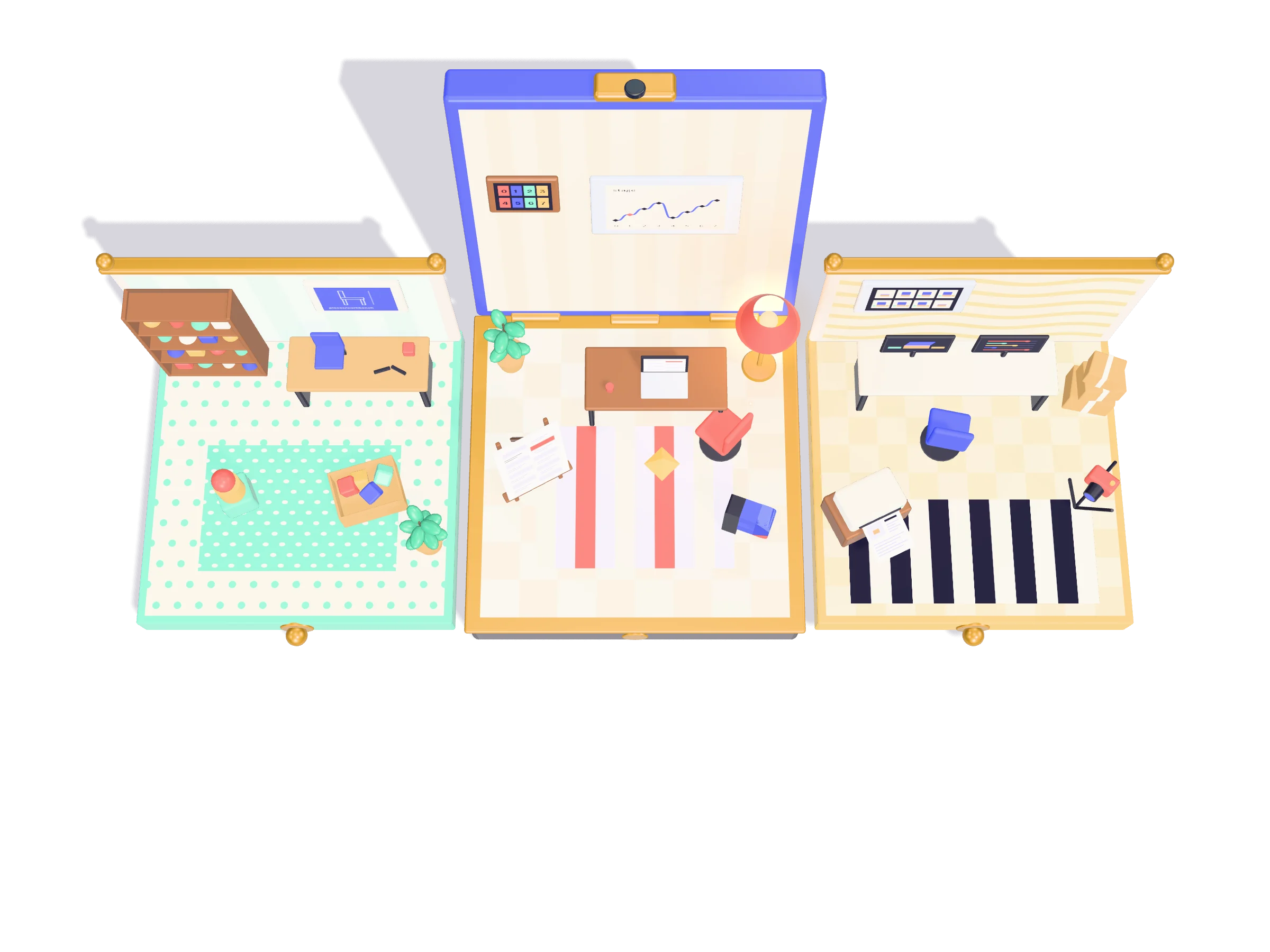
Seven layers, all in the open.

  1. The page and its sections
  2. The story: one beat per section
  3. The engine: light, camera, the frame loop, clicks
  4. The shells: compact, diorama, tower
  5. The studio: the workbench page
  6. The build: stills and the page without 3D
  7. The model tools: from a picture to a piece
Popfold: Start from the template.

Start

Start from the template.

One command, popfold init, starts a new site as a copy of a template: an office in a box or a small tower, six sections, no model files. Its story, pieces and cards sit in one JSON file.

What alpha means here: Popfold runs only as TypeScript source inside a Vite site, there is no package to install, anything beyond the built-in pieces is still code, and nothing is kept backwards compatible before 1.0.